
Menu bar utilities and working tools that feel at home on Mac.

macOS
Tools
Tools
Tools
for work
for work
for work
Mac

Apps for Mac

We build apps for macOS and help with distribution — through the Mac App Store or from your own website.

From $ 5000
0

1

The main action lives in the menu bar and on a keyboard shortcut

0

2

0

2

Data is stored on the Mac and syncs with iPhone

0

3

0

3

PDF and CSV for invoices, reports and accounting

0

4

0

4

A build for Macs with Apple silicon and Intel

0

1

  • Menu bar utilities
  • Working tools
  • Companion to iOS
  • Internal tools
  • Mac App Store
  • Distribution from a website

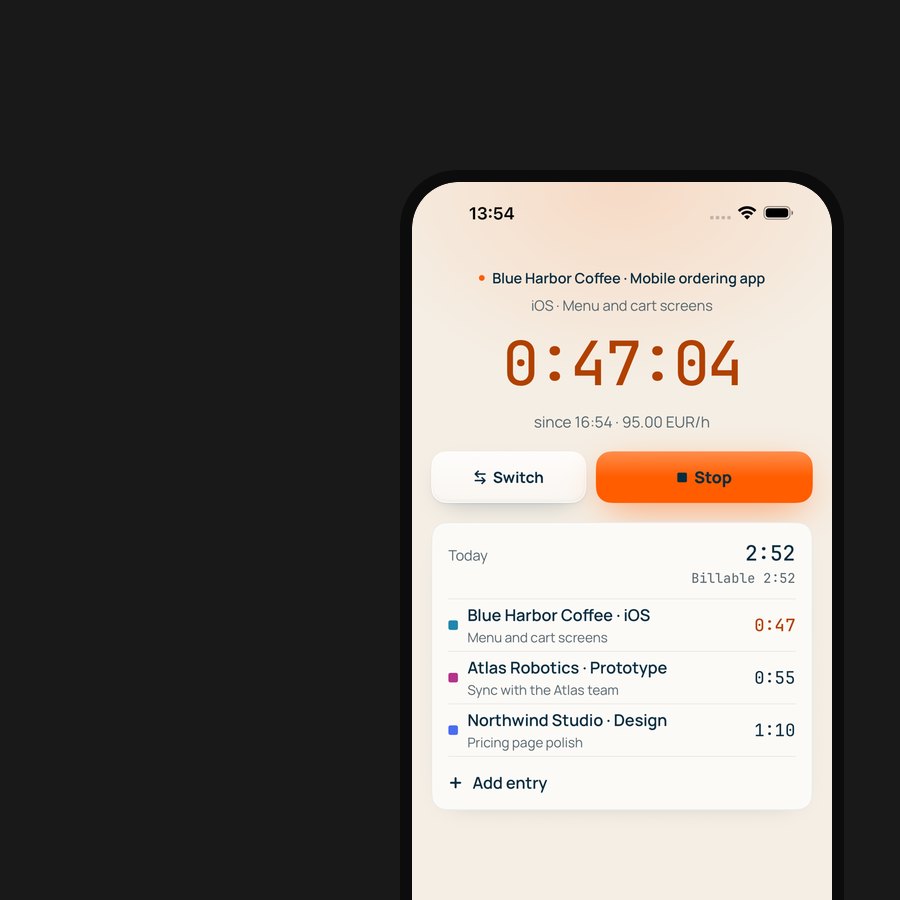
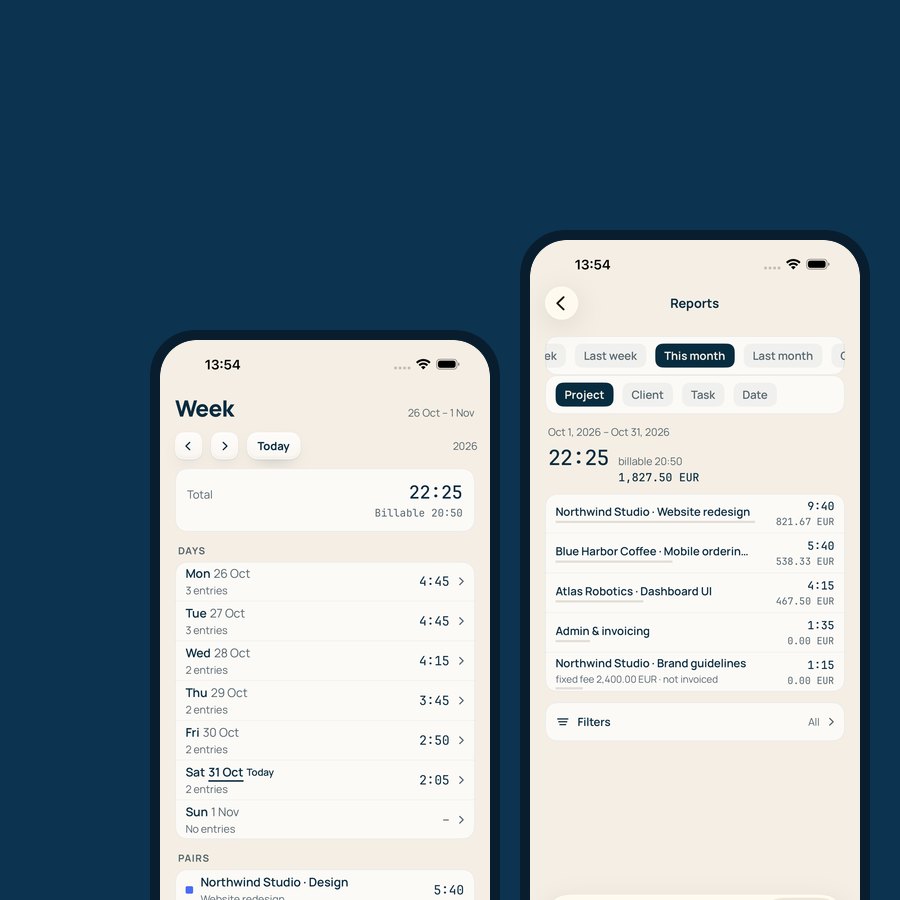
Timerly is time tracking and invoicing for Mac, iPhone and the web. It works offline and syncs once the connection is back.

Everything we offer clients, we went through ourselves first.

Launching
our own
product
Timerly

A menu bar timer on Mac, Live Activity and Dynamic Island, widgets, subscriptions and PDF invoices.

Currently in Apple review.

Mac App Store or your own website

A Mac app can be distributed two ways. The store brings payment and updates through Apple, but requires sandboxing and review.

For the version from your own website we set up Developer ID signing and notarization, so the app opens without warnings, plus automatic updates. We will help you choose a path and set up both.

Questions about Mac development
Mac App Store or distribution from a website?

The store brings trust, built-in payment and updates, but requires sandboxing and Apple's commission. Distribution from a website gives more freedom — your own payment, licences, features unavailable in the sandbox — but you organise sales and updates yourself. Apps are often released both ways.

What is notarization, and do we need it?

It is Apple's automated check for apps distributed outside the store. Without it macOS warns the user and will not open the app the usual way. We set up signing and notarization as part of the build.

Can our iOS app be brought to Mac?

Yes, and there are several ways: from running the iPad version on Mac to a separate macOS interface with shared logic. The more the app should feel native to Mac — menu bar, keyboard, multiple windows — the more separate interface work it takes.

Why not build the app with web technologies?

You can, and for some tasks it is justified. But an app built with the platform's own tools launches faster, uses less memory and has access to the menu bar, widgets and system features. For a tool that runs all day, that is noticeable.

Will the app run on Intel Macs?

Yes, if your users need it: the app is built for both Apple silicon and Intel. We agree the minimum macOS version at the start.

How long does Apple's review take?

For the Mac App Store — usually from one to a few days, but Apple gives no guarantees. Notarization of the website version is automated and takes minutes.

How much does app development cost?

The cost depends on the number of screens and scenarios, design complexity, integrations and the number of platforms. After a brief we prepare an estimate broken down by stage, so you can see what the total is made of.

How long does it take?

The timeline is set by the scope of the first version. We suggest starting with a narrow feature set, shipping the app and growing it from there: users get the product sooner, and decisions about the next features rest on real usage.

Whose name is the developer account in?

Your company's. The app is published under your name and access to the account stays with you. We help you enrol in the Apple Developer Program and work as invited team members.

Who owns the code?

You do. Rights to the code and design are transferred under the contract.

What happens if Apple rejects the app?

Remarks from the review team are a normal part of the process. We work out the reason, make the changes and resubmit. The final decision on publication is Apple's.